Features
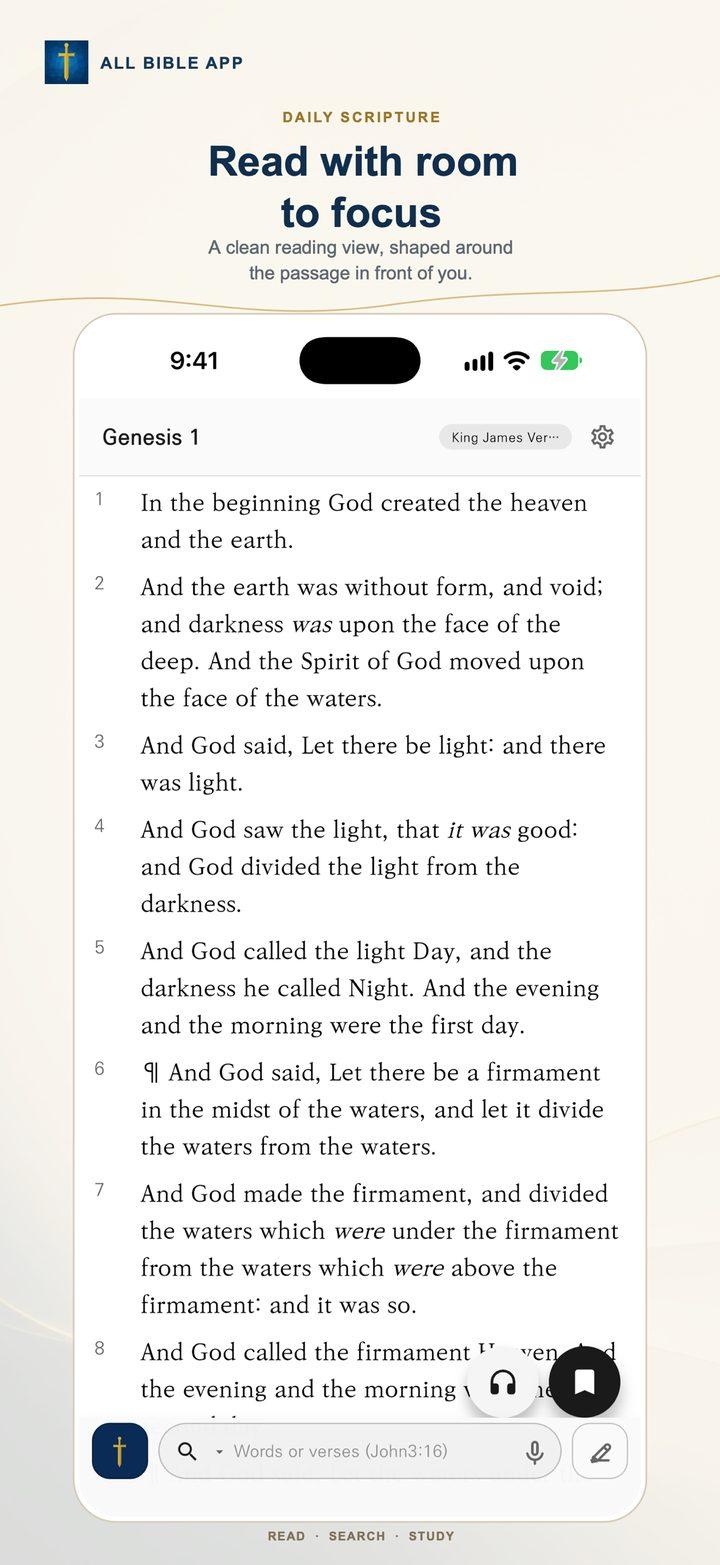
A thoughtful Bible study workspace for reading, searching, notes, and optional AI tools.
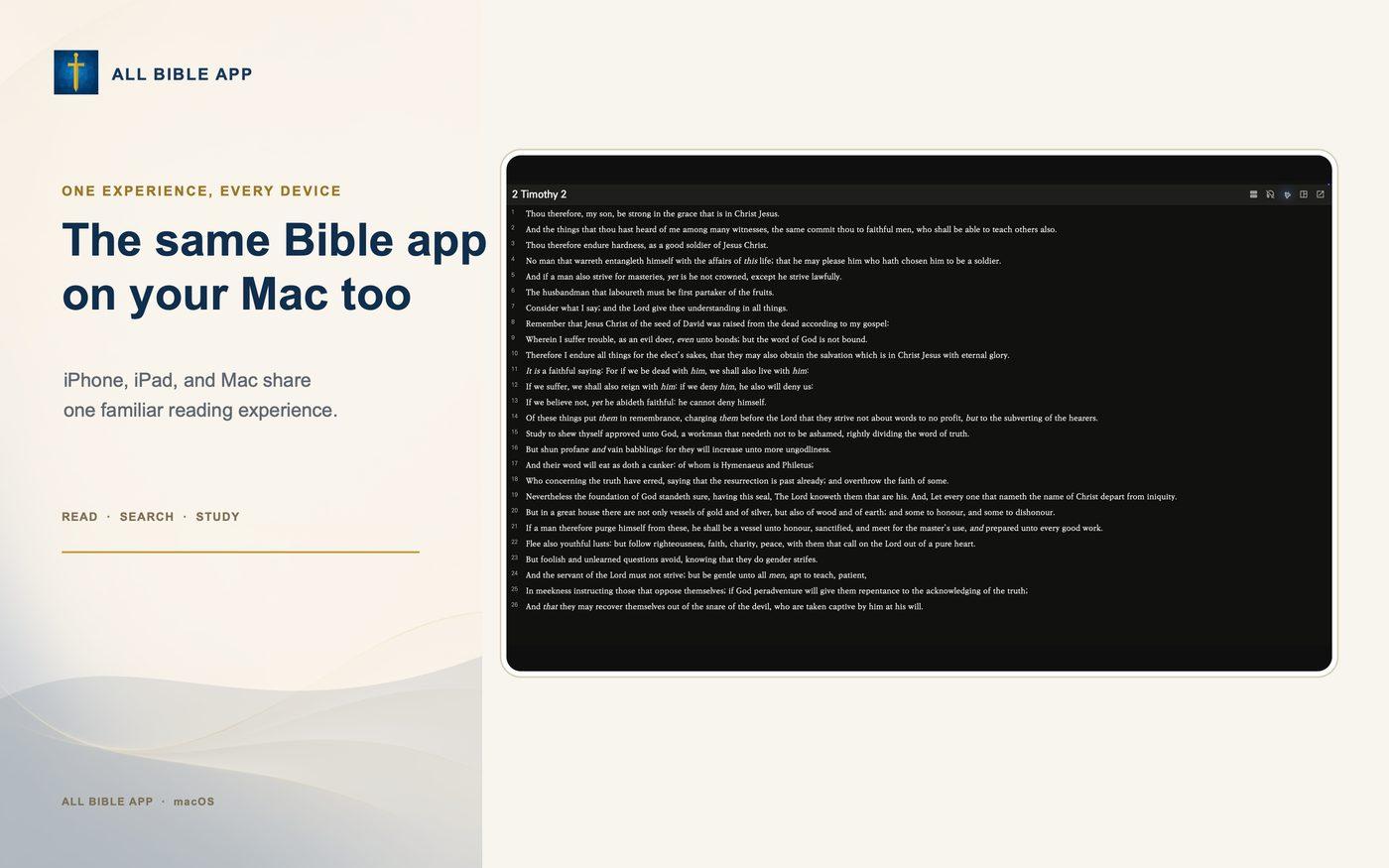
Read and compare translations
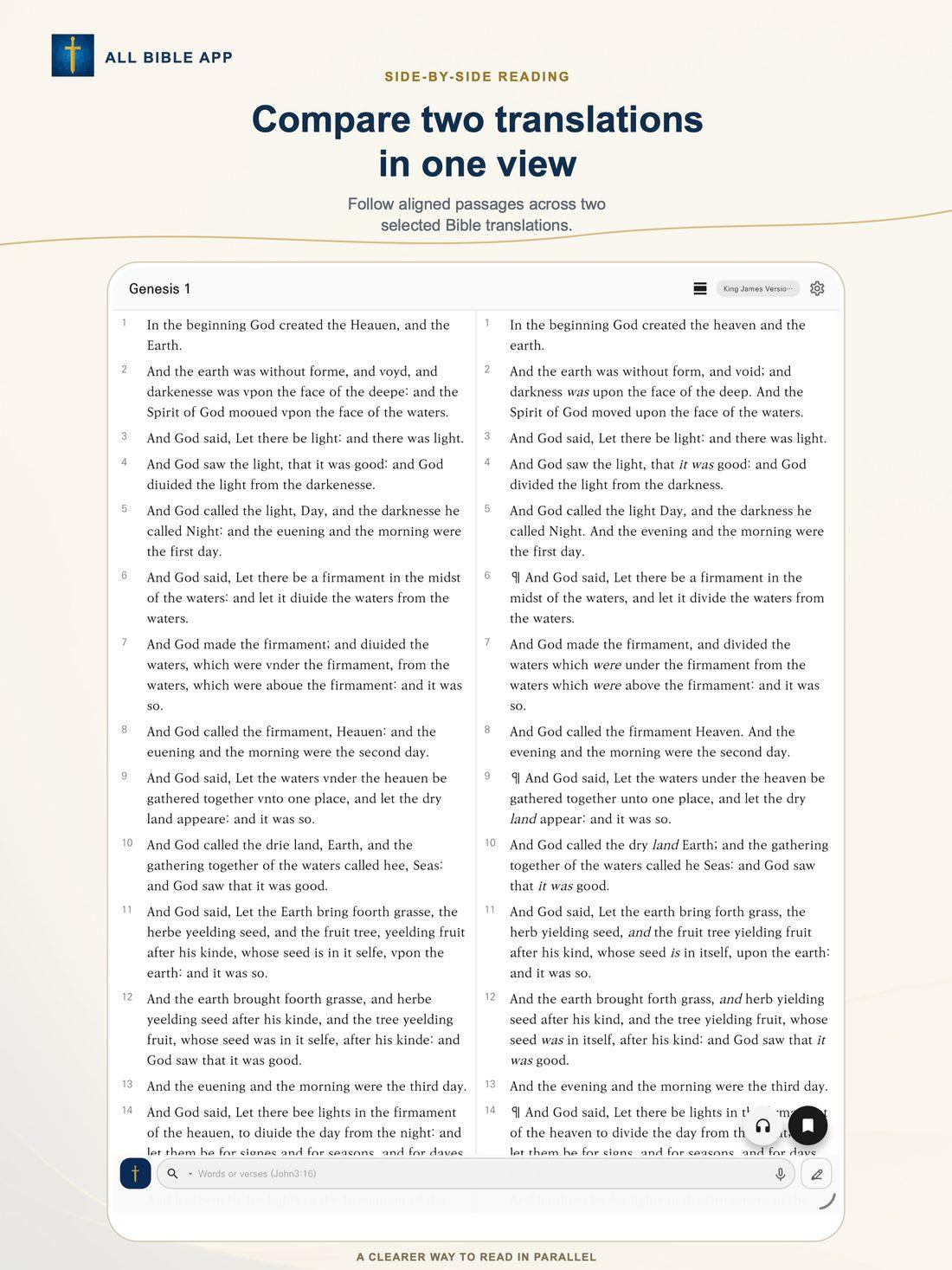
Read downloaded Bible translations side by side and follow the passage at your own pace.
- Show two translations side by side on supported screens
- Keep your place while comparing passages
- Import Bible data in the app’s JSON format
Choose books and passages your way
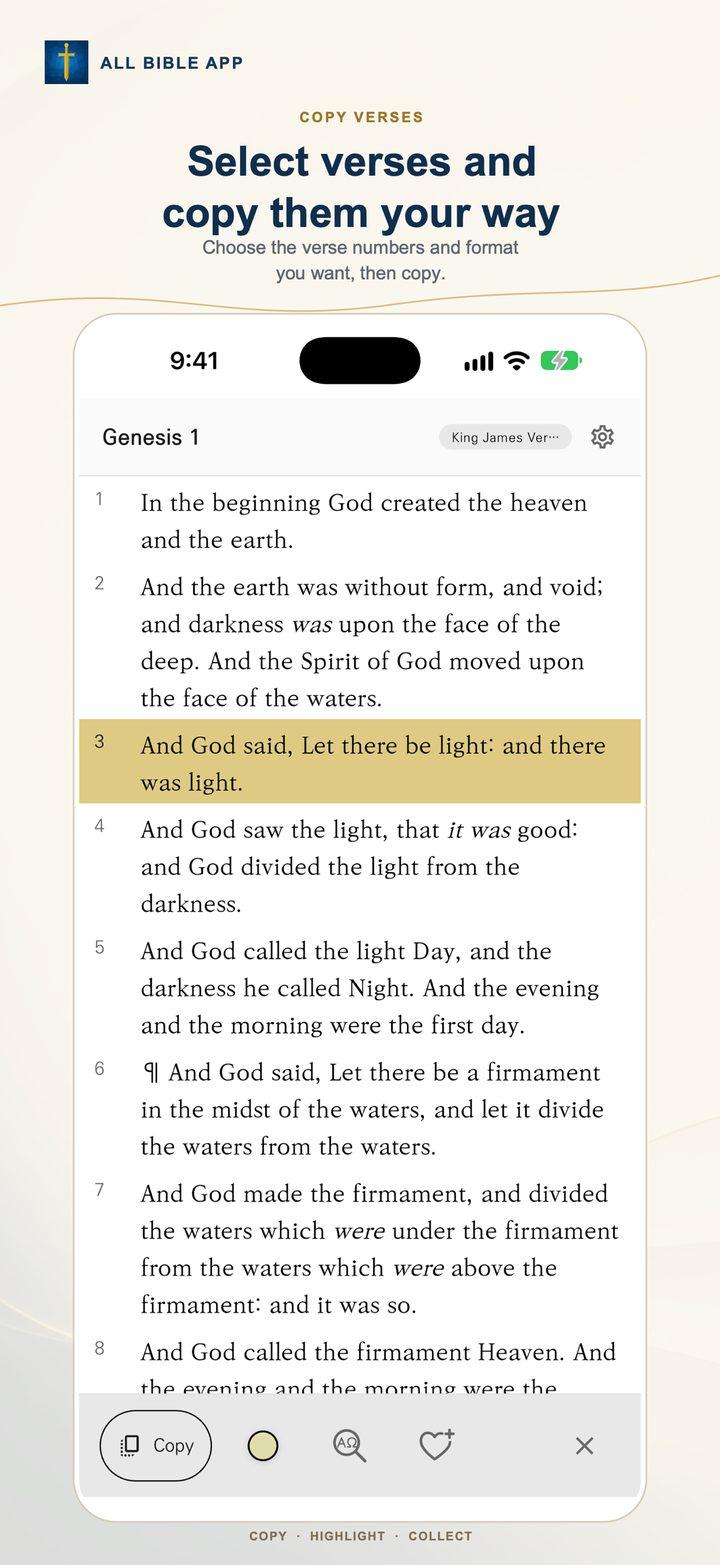
Select a book from a list, a 12-key dial pad, or voice search. A calendar-style picker lets you select a verse or range and copy its formatted reference.
- Choose a book from a list, number pad, or voice
- Select one verse or a range of verses
- Copy the selected passage reference
Find a passage quickly
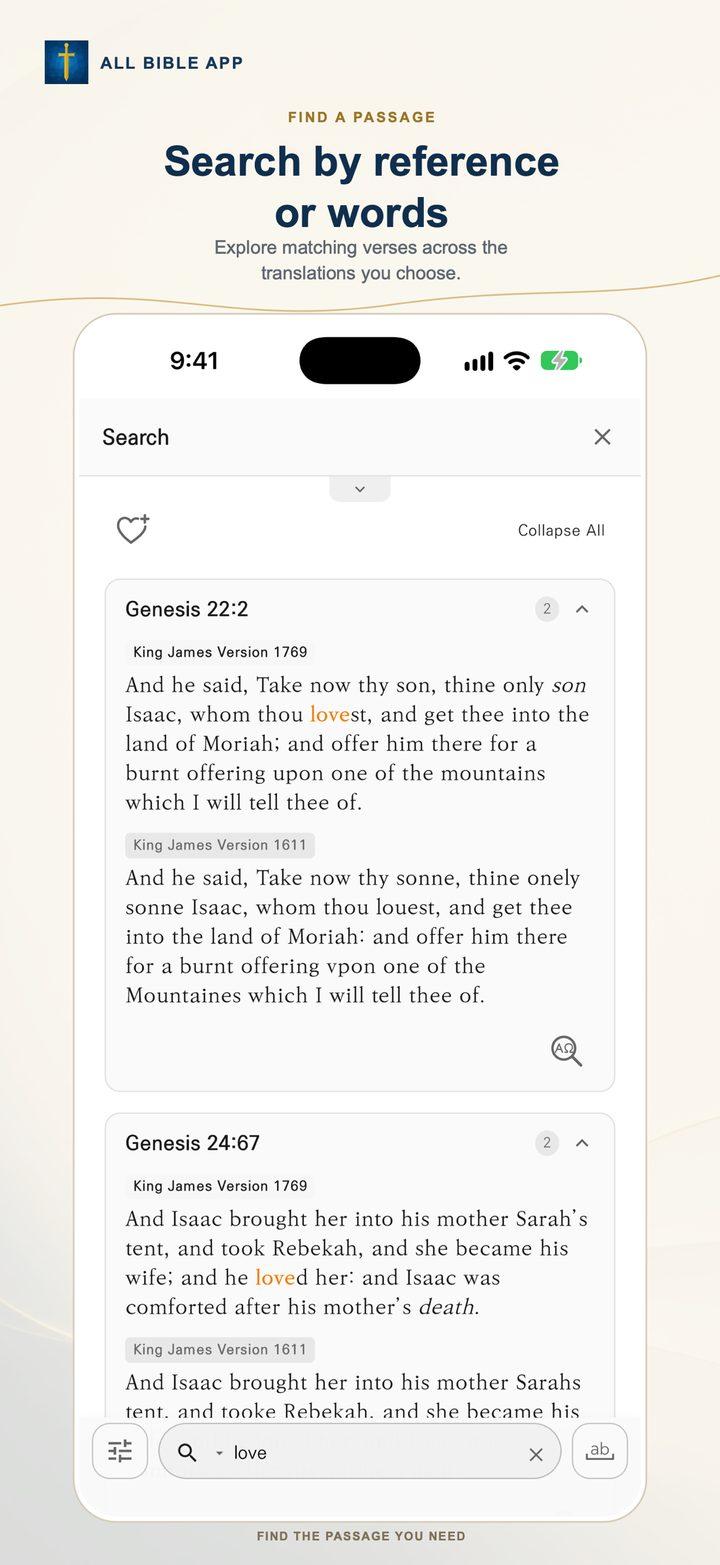
Search Bible text or use voice search to jump to a book, chapter, or verse.
- Search downloaded translations
- Filter results by book or testament
- Voice recognition availability depends on your device and language settings
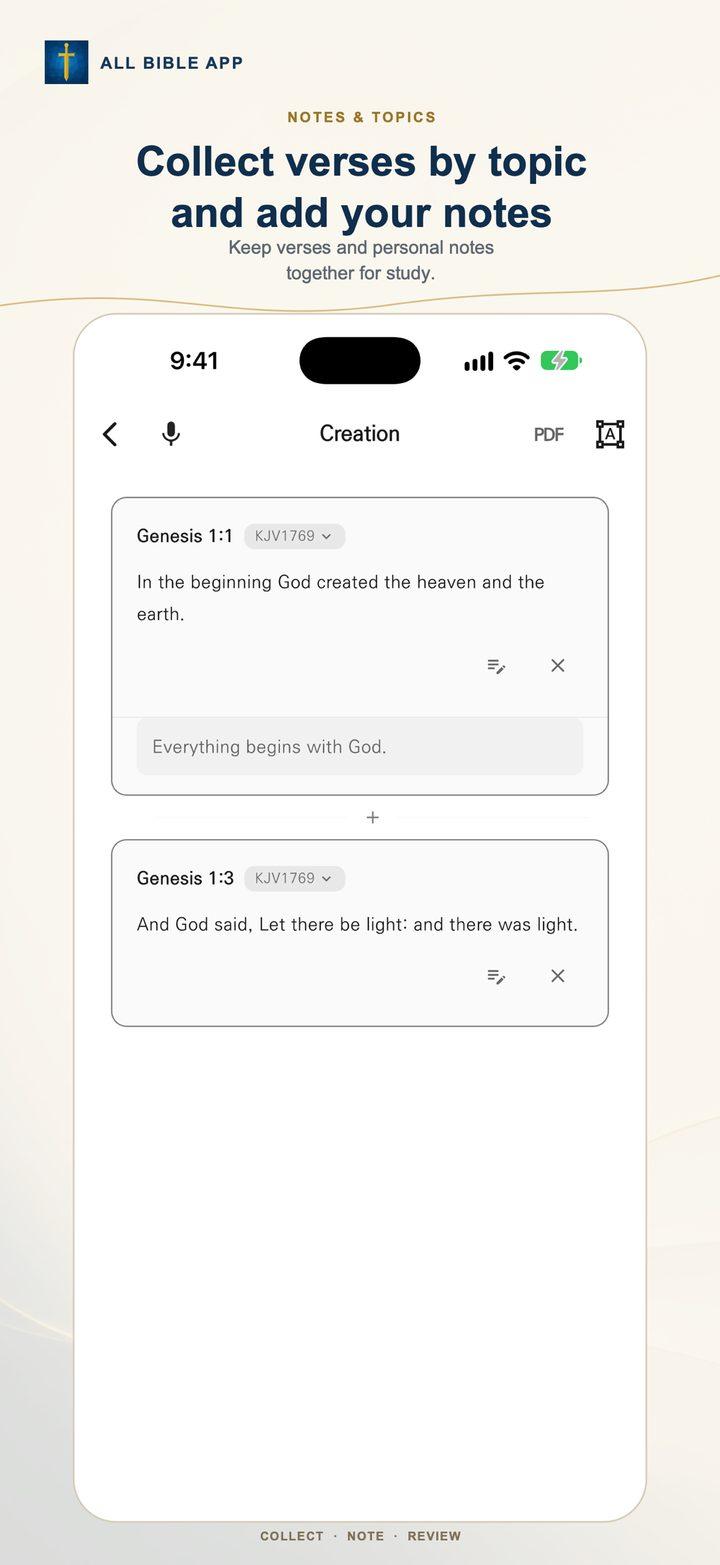
Keep notes, topics, and bookmarks
Organize your study in notes and topic groups, then return to saved passages with bookmarks.
- Create and edit notes on your device
- Group passages under topics you choose
- Export or import supported data files
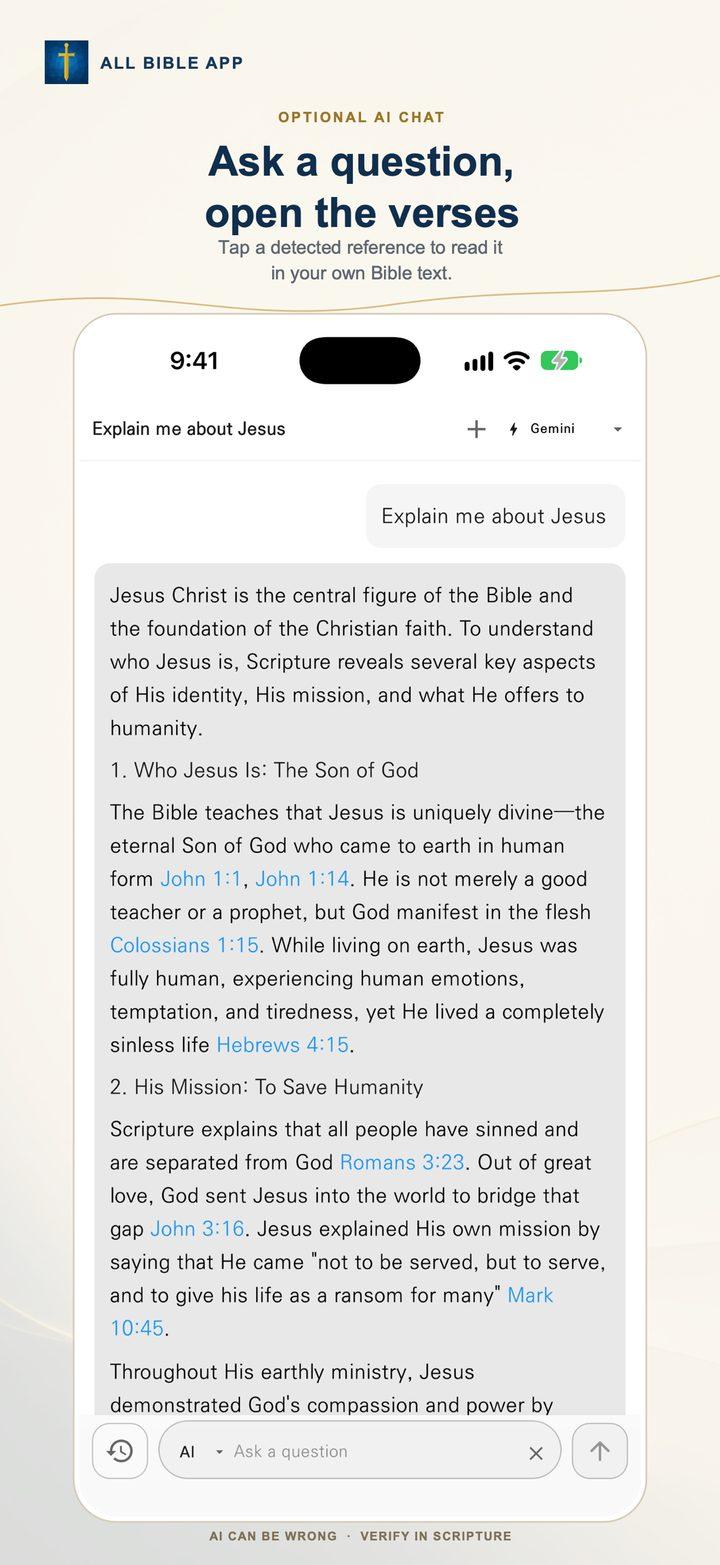
Choose how to use AI
Connect Gemini API or Groq API with your own API key, or open ChatGPT, Perplexity, or Gemini web services. AI is optional.
- API requests go directly to the provider you select
- Only content you submit for an AI request is sent
- Check the provider’s terms and privacy policy before use
Shortcuts on desktop, touch controls on mobile
Desktop and tablet layouts support split reading and keyboard shortcuts. Mobile layouts offer a single panel or A/B switching with touch controls.
- ⌘/Ctrl + 1–4: switch app tabs; + S: toggle split view; + F: focus search
- In the Bible reader, + D opens book selection and + C copies a verse
- Use the left and right arrow keys to move between chapters
- Enable swipe navigation in settings
Use the app without an account
All Bible App does not require an account or user ID and does not show ads or track users for advertising.
- Notes, bookmarks, and settings are stored on your device
- The app does not automatically collect or send your notes
- Data is sent to an external provider only when you choose a feature that needs it